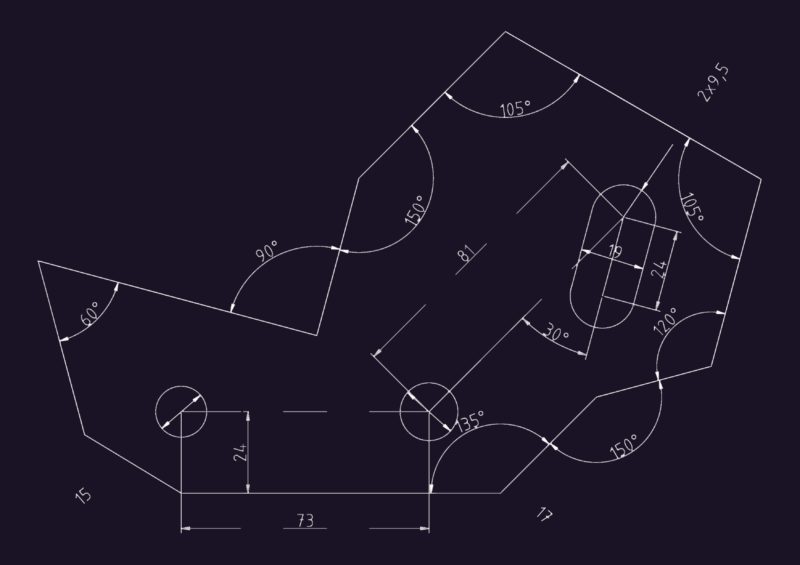
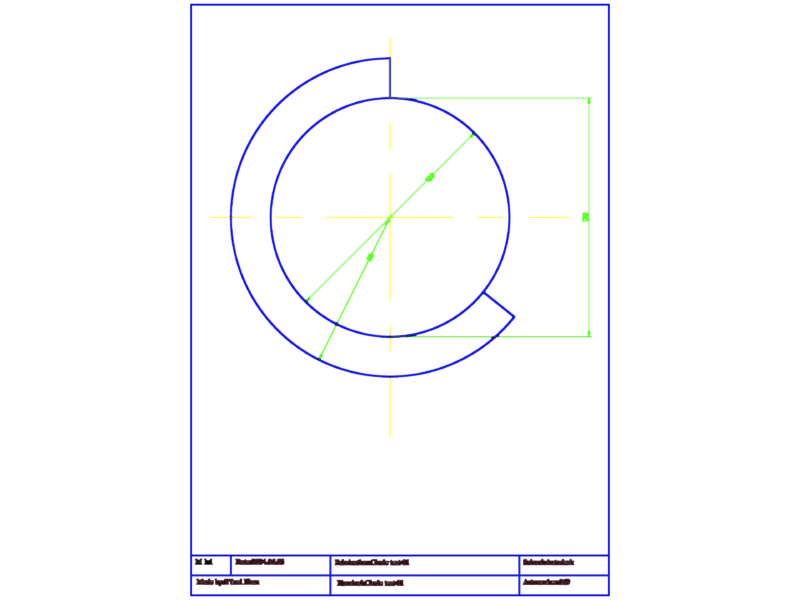
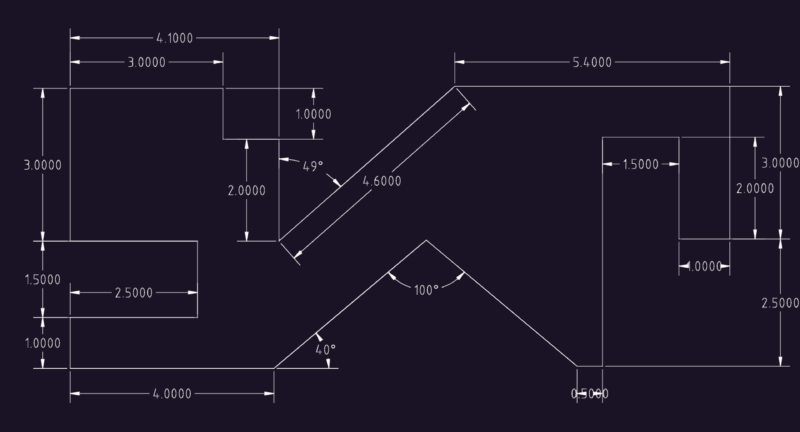
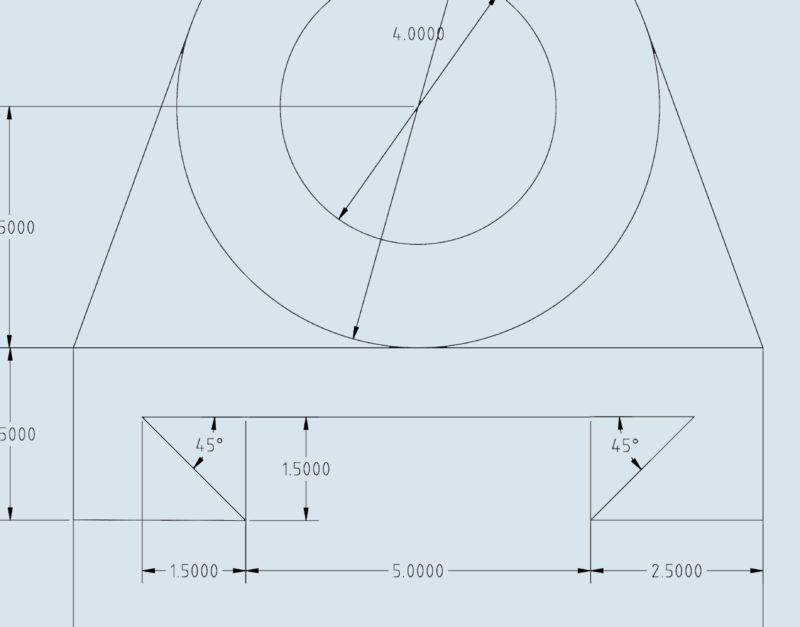
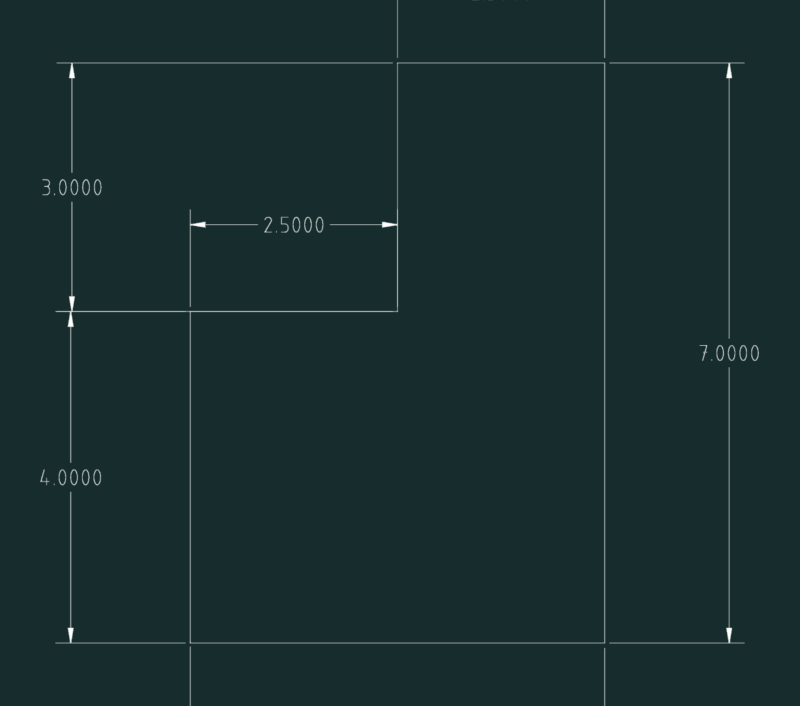
The development of this part is easy following the instructions given below figure.
Drawing labels, details, and other text information extracted from the CAD file (Translated from Spanish):
Development of a truncated hexagonal prism, Command: need primer, Need next point, Then we passed each of the heights of the view, Laterally we have the development of the, Lateral surface of the truncated hexagonal prism, Command: mirror, We trace the top view the side view by any method, Proceed to perform the development of the lateral surface, We divide this line into parts with the distance of, The sides of which is the top view of the prism, At each point we lift perpendicular indefinitely, Command: circle need center point for circle, Need circle radius, Let us draw the truncated surface., Command: circle need center point for circle, Need circle radius, We carry this line we have the points, With the same distance we find the other points, Command: need primer, Need next point, We draw a parallel line distance, Command: circle need center point for circle, Need circle radius, command:, Command: circle need center point for circle, Need circle radius, Properties: control type of lines: hidden, We cut what this others, Development of a truncated hexagonal prism