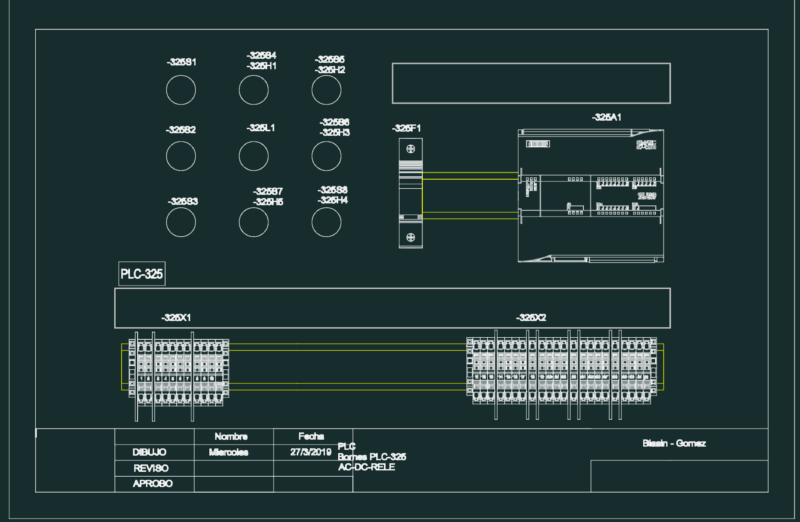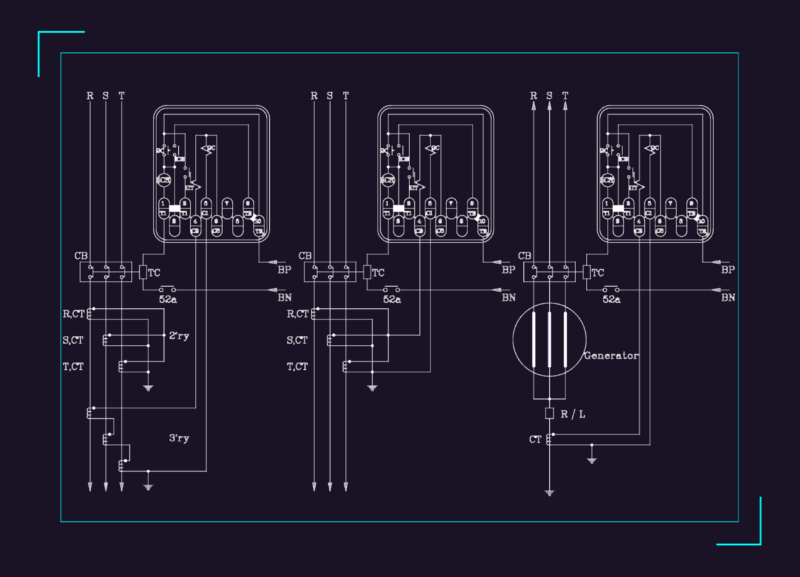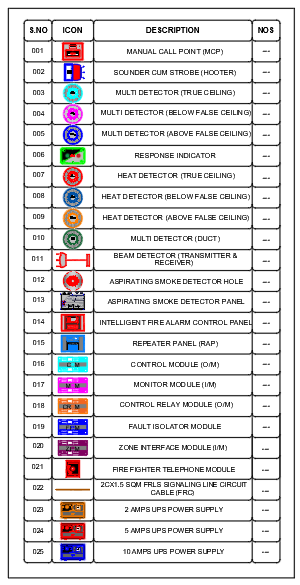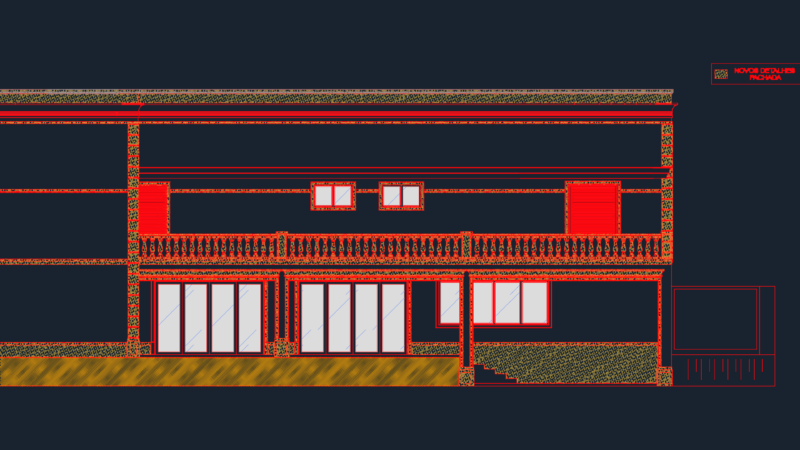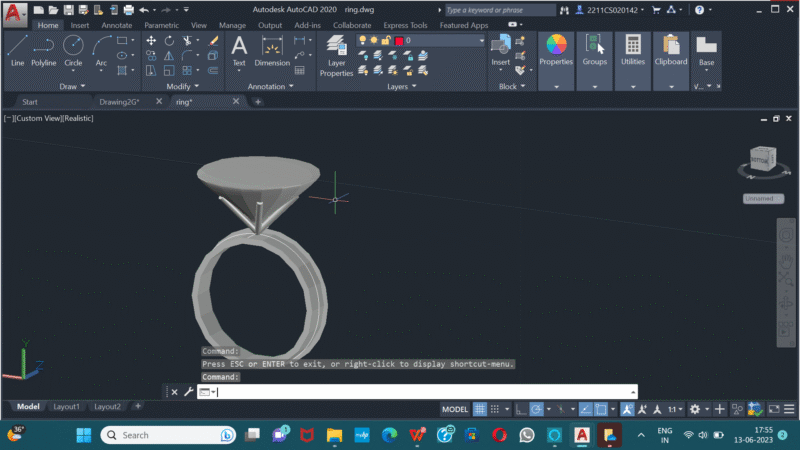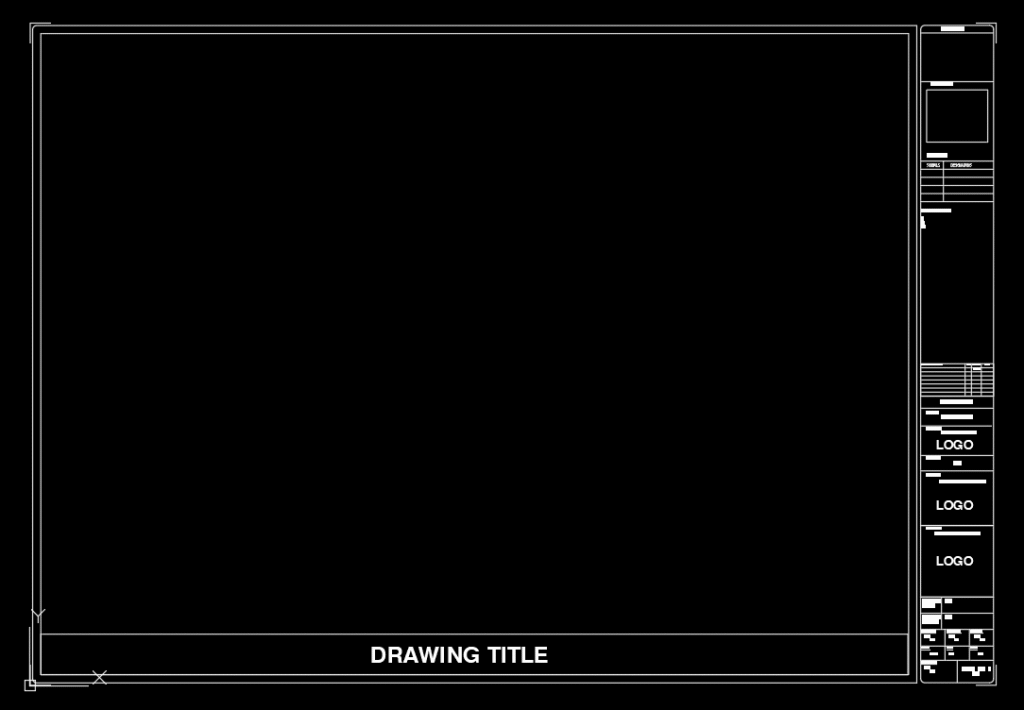
The title block for As-Built drawings in AutoCAD MEP plays a crucial role in providing comprehensive information about the drawing’s content and serving as a key reference for project documentation. Positioned in the lower-right corner of the drawing, the title block contains essential details such as project name, drawing title, sheet number, revision history, and scale. It ensures clarity, consistency, and easy identification of drawings within the set.
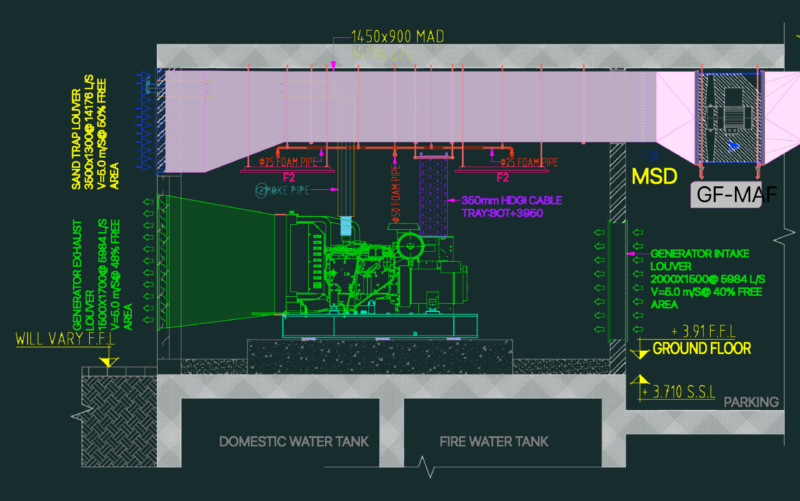
The title block for As-Built drawings specifically captures information related to the final state of the constructed MEP systems. It includes details about the actual dimensions, locations, and specifications of installed mechanical, electrical, and plumbing components. This information helps in accurately documenting the as-constructed condition, enabling future maintenance, renovations, or system upgrades.
In addition to project-specific information, the title block may also feature the names and signatures of the individuals responsible for approving and verifying the accuracy of the As-Built drawings. This ensures accountability and quality control in the documentation process.
By utilizing a standardized title block format, As-Built drawings in AutoCAD MEP become reliable communication tools for project stakeholders, facilitating effective collaboration, and streamlining project coordination. They serve as a valuable resource for facility management, as they provide a comprehensive snapshot of the installed MEP systems, aiding in operations, maintenance, and future modifications.